
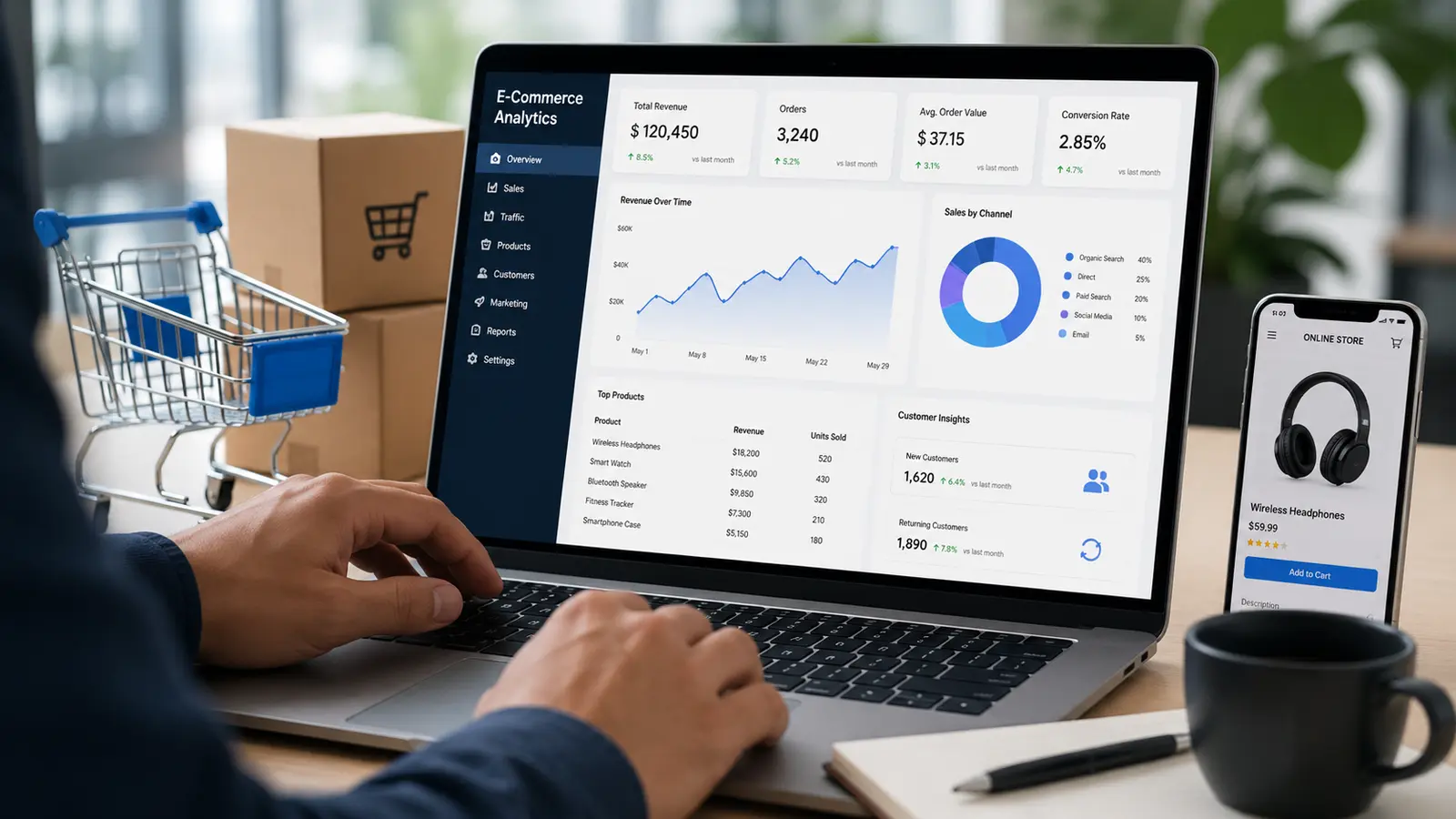
Small online stores don’t need a data science team or an expensive artificial intelligence platform to make smarter business decisions. With the right sales data, simple forecasting methods, and a few accessible tools, even a small e-commerce business can estimate future demand, identify customers who may buy again, and plan marketing campaigns more effectively.
Predictive analytics in e-commerce uses historical sales, customer behavior, inventory information, and other business data to estimate what is likely to happen next. Instead of simply reviewing last month’s revenue, a store owner can use those patterns to decide what to reorder, which products to promote, and when to contact previous customers.
Choose one business question, collect reliable data, build a simple forecast, and test whether acting on that forecast improves results. You can begin with a spreadsheet before investing in specialized software.
What Is Predictive Analytics in E-Commerce?
Predictive analytics combines historical data, statistical methods, and sometimes machine learning to estimate future outcomes. In an online store, those outcomes might include next month’s product demand, the likelihood of a repeat purchase, or the expected revenue from a marketing campaign.
A prediction is not a guarantee. It is an estimate based on available information and assumptions. Its value comes from helping a business prepare for several possible outcomes rather than relying entirely on intuition.
Demand forecasting
Estimate how many units or orders you may receive in the coming weeks to reduce stockouts and unnecessary inventory.
Repeat-purchase prediction
Identify products and customer groups that may generate repeat orders, then plan relevant follow-up campaigns.
Customer churn prediction
Look for signs that regular customers may stop buying, such as longer gaps between orders.
Revenue forecasting
Estimate future sales to support cash-flow planning, purchasing decisions, and advertising budgets.
Why Small Online Stores Should Use Predictive Analytics
Small stores often operate with limited cash, restricted storage space, and small marketing budgets. A forecasting mistake can therefore have a noticeable impact. Ordering too much inventory ties up money, while running out of a popular item can mean lost sales and disappointed customers.
1. Reduce overstock and stockouts
Sales history can help you estimate which products are likely to sell quickly and which may remain on the shelf. A store selling skincare products, for example, might discover that a particular moisturizer sells more consistently than other items and needs more frequent replenishment.
Forecasting becomes more useful when you also consider supplier lead times, current stock, seasonal changes, and planned promotions. Shopify explains how historical orders and upcoming sales activity can inform demand planning in its order forecasting guide.
2. Make marketing budgets more efficient
Historical campaign results can reveal which products, customer segments, and promotional periods are more likely to produce profitable sales. You can use those insights to prioritize campaigns rather than distributing your budget equally across every product.
However, a product that generates high revenue is not necessarily the most profitable. Include product costs, discounts, shipping subsidies, advertising expenses, and returns when evaluating whether a campaign is worth repeating.
3. Encourage repeat purchases
Some products are naturally purchased on a recurring schedule. Coffee, pet food, cosmetics, supplements, and household essentials may have predictable replenishment patterns, although actual timing varies by customer.
If customers typically reorder a product after several weeks, your store can test sending a reminder near that period. Start with a broad customer segment and compare the results with a group that does not receive the message.
4. Plan cash flow and purchasing
A forecast can help you estimate how much inventory you may need to purchase before a busy season. It can also highlight quieter periods when you should be more conservative with spending.
This is especially valuable for businesses that pay suppliers before collecting all the revenue from their products. Even a basic weekly forecast can make purchasing decisions more deliberate.
Predictive Analytics vs. Traditional E-Commerce Analytics
| Analytics type | Main question | Example for a small store |
|---|---|---|
| Descriptive analytics | What happened? | Sales increased by 15% last month. |
| Diagnostic analytics | Why did it happen? | A successful email campaign drove more orders. |
| Predictive analytics | What might happen next? | Demand may increase during the upcoming promotion. |
| Prescriptive analytics | What should we do? | Increase stock and schedule the campaign earlier. |
These approaches work best together. Descriptive analytics helps you understand your baseline, diagnostic analysis helps explain changes, predictive analytics estimates possible outcomes, and prescriptive analytics helps translate those estimates into actions.
How Small Stores Can Start Predictive Analytics in 7 Steps
Step 1: Choose one problem to solve
Avoid trying to predict every aspect of your business at once. Select a problem that has a direct financial impact and can be measured.
- Which products should I reorder next month?
- How many orders should I prepare for during a promotion?
- When are previous customers likely to purchase again?
- Which products deserve more advertising budget?
For a store with limited data, inventory forecasting is often a sensible first project because you can compare predicted demand with actual sales and inventory records.
Step 2: Collect the data you already have
You probably do not need to buy another platform immediately. Start by exporting data from your e-commerce platform, payment system, inventory spreadsheet, or analytics tool.
| Data source | Useful information | What it can help predict |
|---|---|---|
| Order history | Order date, SKU, quantity, sales value | Product and order demand |
| Inventory records | Stock on hand, incoming stock, supplier lead time | Reorder timing and stockout risk |
| Customer records | Purchase dates, order frequency, order value | Repeat purchases and customer retention |
| Marketing reports | Campaign cost, clicks, conversions, revenue | Campaign performance and sales opportunities |
| Website analytics | Product views, cart events, purchases | Shopping behavior and conversion patterns |
Google Analytics provides e-commerce measurement for events such as product views, cart activity, purchases, and refunds. See the official GA4 e-commerce measurement documentation.
Step 3: Clean your data before making predictions
A forecasting model cannot reliably compensate for inaccurate records. Check for duplicate orders, missing dates, inconsistent product names, incorrect currencies, and canceled orders that were mistakenly counted as completed sales.
Separate gross sales from net sales where possible, and identify periods affected by unusual events. A large one-time wholesale order, for example, should not automatically become the basis for predicting normal weekly demand.
Step 4: Build a simple baseline forecast
You can begin with a spreadsheet that calculates average weekly sales for each product. If a product sold 18, 22, 20, and 24 units over four comparable weeks, the average was 21 units per week.
That average provides a starting estimate, not a sophisticated prediction. Improve it by accounting for recent trends, promotions, seasonal changes, and stock availability.
Average weekly demand = Total units sold during the selected period ÷ Number of weeks in that period.
Estimated reorder quantity = Forecast demand during supplier lead time and review period + Safety stock − Available inventory − Confirmed incoming stock.
The reorder formula is a planning aid. Adjust it for supplier reliability, minimum order quantities, product shelf life, and the cost of holding inventory.
Step 5: Compare forecasts with actual results
Record what you predicted and what actually happened. If you forecast 100 units but sell 75, investigate the difference. Was demand lower than expected, was a promotion canceled, or did the product become unavailable for part of the period?
Use consistent forecast periods and compare similar products or seasons. One unusually successful week does not necessarily indicate a lasting upward trend.
Step 6: Connect predictions to a practical action
A forecast is only useful if it changes a decision. For example, you might reorder a product earlier, adjust a campaign budget, prepare additional packaging, or send a replenishment email to a relevant customer group.
Keep the first action small enough to evaluate. If you change inventory, prices, email frequency, and advertising simultaneously, it becomes harder to identify which decision made the difference.
Step 7: Review and improve every month
Review forecast accuracy, stockouts, excess inventory, repeat-purchase rates, and campaign profitability. Update assumptions when supplier lead times change or new products enter the catalog.
Over time, you can move from averages and spreadsheet formulas to statistical forecasting or machine-learning tools if the added complexity delivers measurable value.
Best Predictive Analytics Tools for Small E-Commerce Businesses
The best tool depends on the size of your catalog, the quality of your records, and the question you need to answer. Start with tools you already use before paying for a specialized platform.
| Tool | Best use | Cost approach | Best starting point |
|---|---|---|---|
| Google Sheets | Basic demand forecasts and simple trend analysis | Free personal option; business plans may cost extra | Stores with small datasets |
| Google Analytics 4 | Shopping behavior and eligible predictive audiences | Standard Analytics is available at no charge; enterprise options differ | Stores that need website and conversion insights |
| Looker Studio | Dashboards combining sales and marketing metrics | Free standard product; connector costs may apply | Owners who want a clear weekly performance view |
| Microsoft Excel | Trend analysis, forecasting functions, and inventory planning | Depends on license or subscription | Businesses already managing operations in spreadsheets |
| Built-in store analytics | Order trends and platform-specific sales reporting | Depends on your e-commerce platform and plan | Stores that want to use existing data first |
Google Analytics 4 also offers predictive metrics for eligible properties, including purchase probability, churn probability, and predicted revenue. These features have eligibility requirements, including minimum numbers of purchasers and non-purchasers or active and inactive users. Many smaller stores may not qualify immediately. Review the official GA4 predictive metrics requirements before building a workflow around them.
Real-World Use Cases for Small Online Stores
Example 1: Forecasting inventory for a skincare store
A small skincare business sells a popular moisturizer. Its recent sales history suggests that demand averages 30 units per week. The supplier needs two weeks to deliver, and the store wants to maintain a small buffer for unexpected demand.
The owner uses the forecast to estimate demand during the supplier lead time, then adds safety stock and subtracts current inventory and confirmed incoming units. This creates a more rational reorder decision than waiting until the shelf is nearly empty.
The owner should still check whether the upcoming period includes a promotion, a holiday, or a supplier delay that could change demand or availability.
Example 2: Predicting repeat purchases for a pet store
An online pet store notices that many customers buy the same bag of food every four to six weeks. Instead of sending the same email to every subscriber, it tests a reminder based on the customer’s previous purchase date.
The store compares repeat purchases among customers who receive the reminder with a similar group that does not. If the campaign increases incremental purchases without excessive discounts or unsubscribes, the business can refine the timing.
Example 3: Planning seasonal demand
A gift shop expects higher order volume around major holidays. It reviews previous seasonal sales, current traffic, planned advertising, delivery cutoffs, and inventory levels to prepare for the next peak period.
The forecast helps the owner plan purchasing and fulfillment capacity. It should not simply assume that last year’s sales will repeat, especially if prices, product availability, or marketing budgets have changed.
Example 4: Finding products worth promoting
A home accessories store compares product views, conversion rates, contribution margins, advertising costs, and inventory availability. It identifies products that combine customer interest with sufficient margin and stock.
Rather than promoting only the best-selling item, the owner tests whether advertising a less prominent but profitable product can generate better overall returns.
Estimate the Potential Value of Predictive Analytics
Use this simple calculator to estimate how much revenue might be protected by reducing stockouts. Enter your own figures to model a hypothetical month. This is an illustrative planning tool, not a guaranteed forecast.
Stockout reduction calculator
Use the same currency for all monetary values. Enter monthly estimates based on your store’s records.
Estimated additional contribution: $52.50
Estimated net monthly value after tool cost: $22.50
Illustrative estimate based on the inputs above.
Calculation: monthly revenue × stockout loss rate × expected reduction. Additional contribution equals recovered revenue multiplied by contribution margin. Net monthly value subtracts the tool cost. The model excludes implementation time, inventory carrying costs, and other effects.
How to Measure Predictive Analytics Success
Do not judge a forecasting project solely by how sophisticated the model looks. Measure whether it improves a real business outcome.
Forecast accuracy
Compare predicted demand with actual sales for a consistent time period. Track the size and direction of forecast errors.
Stockout rate
Measure how often important products are unavailable when customers want to buy them.
Inventory turnover
Monitor how efficiently stock moves through your business and whether excess inventory is accumulating.
Repeat-purchase rate
Track whether customer reminders or retention campaigns generate additional purchases over time.
Contribution margin
Evaluate whether the revenue gained exceeds the product, shipping, discount, and marketing costs associated with it.
Cash tied up in inventory
Check whether improved forecasting reduces unnecessary purchases without creating more stockouts.
For a simple forecast, you can calculate the absolute error by subtracting actual demand from predicted demand and taking the absolute value. Compare the average error across multiple periods rather than drawing conclusions from a single week.
Common Predictive Analytics Mistakes to Avoid
- Using incomplete data: Missing sales, inaccurate stock records, and duplicate orders can distort predictions.
- Ignoring seasonality: Holiday demand may not reflect a typical month.
- Overcomplicating the first project: Start with a simple baseline before buying advanced software.
- Confusing correlation with causation: A campaign and a sales increase happening at the same time does not prove that the campaign caused the increase.
- Ignoring profit margins: More revenue may still mean less profit if discounts and advertising costs are too high.
- Treating predictions as facts: Use forecasts to guide decisions, not to eliminate human judgment.
- Collecting unnecessary customer data: Use relevant information responsibly, restrict access, and follow applicable privacy and consent requirements.
- Failing to review results: Predictions become less useful when the business changes and assumptions remain untouched.
Your 30-Day Predictive Analytics Starter Plan
You can test a first project in a month without building a custom machine-learning system. Use the checklist below to track your progress.
0 of 8 tasks completed
The first month may not provide enough evidence to model every seasonal pattern. The goal is to establish a reliable process: record data, make a forecast, take an action, and measure the result.
Frequently Asked Questions
Can a small online store use predictive analytics for free?
Yes. A spreadsheet and existing store reports can support basic demand forecasting and trend analysis. Google Analytics also offers predictive metrics for properties that meet its eligibility requirements. More advanced platforms may charge subscription or usage fees.
How much historical data do I need?
It depends on the prediction. A few weeks of consistent orders may support a basic short-term demand estimate, but a full year or more is often more useful for identifying annual seasonality. Customer-level predictions and machine-learning models may require substantially more data.
Do I need artificial intelligence to forecast e-commerce sales?
No. Moving averages, spreadsheet formulas, and simple statistical methods can be effective starting points. Machine learning becomes worth considering when you have sufficient data, a more complex problem, and a clear way to measure the improvement.
Is Google Analytics 4 enough for predictive analytics?
GA4 is useful for website behavior, e-commerce measurement, and certain predictive audience features. It does not replace every inventory, financial, or customer forecasting workflow. Some predictive features require specific events, sufficient eligible users, and sustained model quality.
What is the easiest predictive analytics project for beginners?
Forecasting weekly demand for a small group of best-selling products is a practical first project. You can compare predicted demand with actual sales and use the results to improve reorder decisions.
Can predictive analytics guarantee higher sales?
No. Forecasts are estimates, and outcomes depend on product availability, competition, pricing, customer behavior, and other factors. The objective is to make better-informed decisions and measure whether they improve results.
Final Thoughts
Predictive analytics in e-commerce is not just for large retailers with dedicated data teams. Small online stores can start with order history, a spreadsheet, and one practical business question. Inventory forecasting, repeat-purchase planning, and campaign analysis are useful first projects because their results can be measured.
Focus on data quality before complexity. Compare every forecast with actual results, account for costs as well as revenue, and expand only when the initial project creates measurable value. A simple forecast that improves a purchasing decision is more useful than an advanced model that never changes what your business does.